 Full Rig Check
Hardware fix guides
Practical, tested steps for the problems people search for most: keys that double type, mics nobody can hear, mice that double click, sticks that drift, cameras that stay black, and monitors that are not running at the rate you paid for. Every guide links to a free test so you can confirm the fix worked.
Keyboard
Fix keys that double type or stop working, and understand rollover, ghosting and switches. Each guide pairs with the keyboard tester so you can confirm the fix.
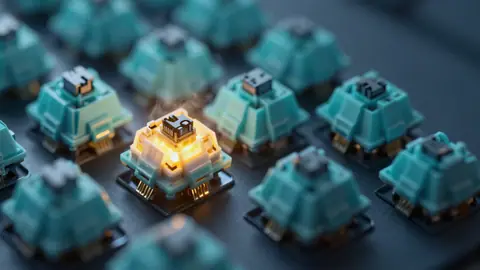
How to Fix Keyboard Chattering (Double Typing Keys)
Keyboard chattering makes one press type twice. Find the faulty key with a free tester, then fix it with cleaning, debounce settings or a new switch.
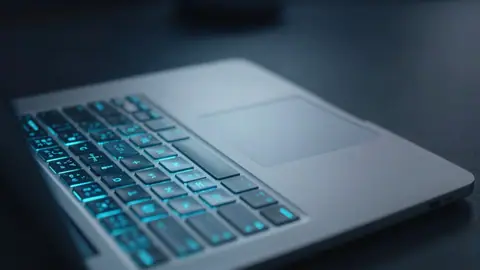
Laptop Keys Not Working? 12 Fixes in the Right Order
Some laptop keys not working? Test every key online, then work through 12 fixes, from Fn Lock and Filter Keys to drivers, BIOS checks and hardware faults.
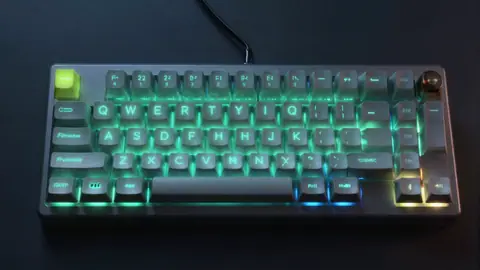
N-Key Rollover Explained (NKRO, 6KRO and Ghosting)
What N-key rollover is, how NKRO differs from 6KRO, what ghosting and key blocking mean, and how to test how many keys your keyboard handles at once.
Mouse
Stop a mouse from double clicking, pick a DPI that suits you, and learn what polling rate really changes.
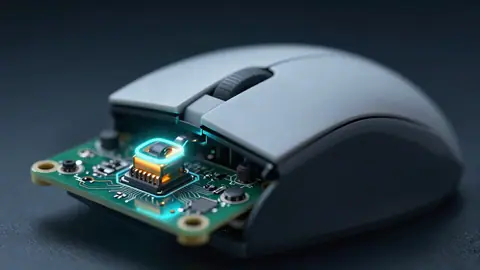
How to Fix a Mouse That Double Clicks on One Click
Mouse double clicking on a single click? Confirm it with a free double click test, then fix it with settings, cleaning, debounce or a new micro switch.
Mouse Polling Rate Explained (125 Hz to 8000 Hz)
What mouse polling rate is, how 125, 500, 1000 and 8000 Hz differ in delay and CPU use, which rate to pick for gaming, and how to test yours online.
What DPI Should I Use for Gaming?
What DPI is best for gaming? Learn what DPI, eDPI and cm/360 mean, why many players use 400 to 1600 DPI, and how to measure your real mouse DPI.
Audio
Microphones that are silent or too quiet, headphones with one side out: practical fixes for Windows, macOS and the apps you use.

Mic Too Quiet on Windows 11? 9 Ways to Make It Louder
Microphone too quiet on Windows 11? Measure your level in dBFS, then raise input volume, enable mic boost, fix app settings and placement for a clear voice.

Mic Not Working on Discord? Fix It Step by Step
Discord mic not working or nobody can hear you? Test your mic online first, then fix input device, sensitivity, permissions and voice settings step by step.

One Side of My Headphones Is Not Working. How Do I Fix It?
Only one side of your headphones working? Run a left right test, then check balance, mono audio, the plug, Bluetooth pairing and the cable to fix it fast.
Webcam
Get a camera that will not turn on, or only shows black, working again on Windows and macOS.
Webcam Showing a Black Screen? 9 Fixes That Work
Webcam black screen in Zoom, Teams or your browser? Check the shutter, light, privacy settings, camera app conflicts, drivers and USB power with these fixes.
Webcam Not Detected on Windows 11 or Mac? Here Is the Fix
Webcam not detected on Windows 11 or macOS? Test it online, then fix privacy settings, camera switches, USB ports, drivers and app conflicts in the right order.
Controllers
Fix stick drift, set dead zones that make sense, and get your controller recognized by Steam and Windows.
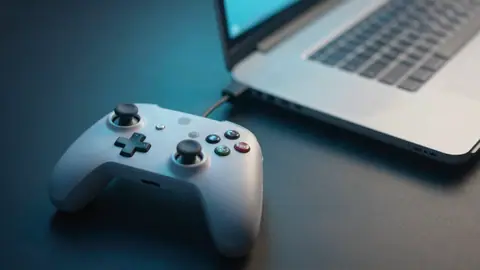
Controller Not Detected in Steam? How to Fix It
Steam not detecting your Xbox, PlayStation or generic controller? Test it in the browser, then fix Steam Input, drivers, cables, Bluetooth and game settings.
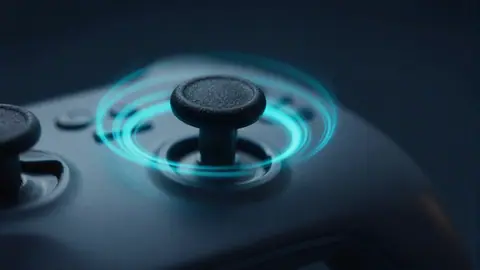
How to Fix Controller Stick Drift
Fix controller stick drift on PS5, Xbox and PC. Measure drift online, then try cleaning, recalibration, dead zones, firmware and stick replacement, in order.
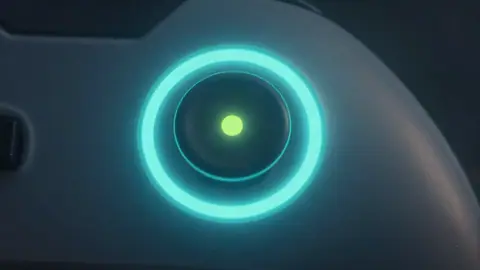
What Is a Controller Dead Zone and How Should You Set It?
A controller dead zone is the area around center a game ignores. Learn inner and outer dead zones, shapes, sensible values, and how to set yours.
Display
Check a new monitor properly, get the refresh rate you paid for, and understand pixel faults and backlight bleed.
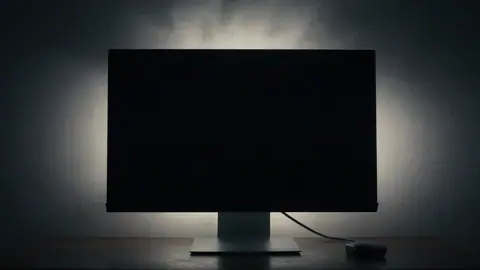
Backlight Bleed Explained (and How It Differs From IPS Glow)
What backlight bleed is, how it differs from IPS glow, how to test for it properly, what amount is normal, and how to reduce bleed on an LCD monitor.
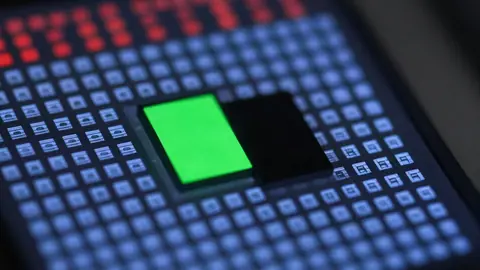
Dead Pixel vs Stuck Pixel - What Is the Difference?
Dead pixel or stuck pixel? Learn how to tell them apart with a full-screen color test, what can be fixed, and when to use your warranty or return window.
How to Check a New Monitor Before the Return Window Closes
Check a new monitor before the return window closes. A 10-step checklist for dead pixels, refresh rate, backlight bleed, banding, ghosting and ports.
Is My Monitor Really Running at 144 Hz? How to Check and Fix It
Check if your monitor is really running at 144 Hz or more. Test it online, then fix settings, cables, ports and GPU options that lock you to 60 Hz.
Skills
Honest answers about click speed, reaction time and typing, with sources, practice plans and hand-safety tips.

What Is the Average Human Reaction Time?
What is the average human reaction time? Typical visual and audio reaction times from research, why online tests read higher, and what makes you faster.
How to Type Faster - A Practical 4-Week Plan
Learn how to type faster with touch typing, the right posture, accuracy-first drills and a four-week practice plan. Track your WPM as you improve.

Jitter Clicking vs Butterfly Clicking (and How to Stay Safe)
Jitter clicking vs butterfly clicking explained, how each technique works, typical speeds, risks to your mouse and hands, and safer ways to practice.
What Is a Good CPS (Clicks Per Second)?
What is a good CPS score? See typical clicks per second for normal, jitter and butterfly clicking, what affects your score, and how to improve it safely.