 Full Rig Check
N-Key Rollover Explained (NKRO, 6KRO and Ghosting)
What N-key rollover is, how NKRO differs from 6KRO, what ghosting and key blocking mean, and how to test how many keys your keyboard handles at once.
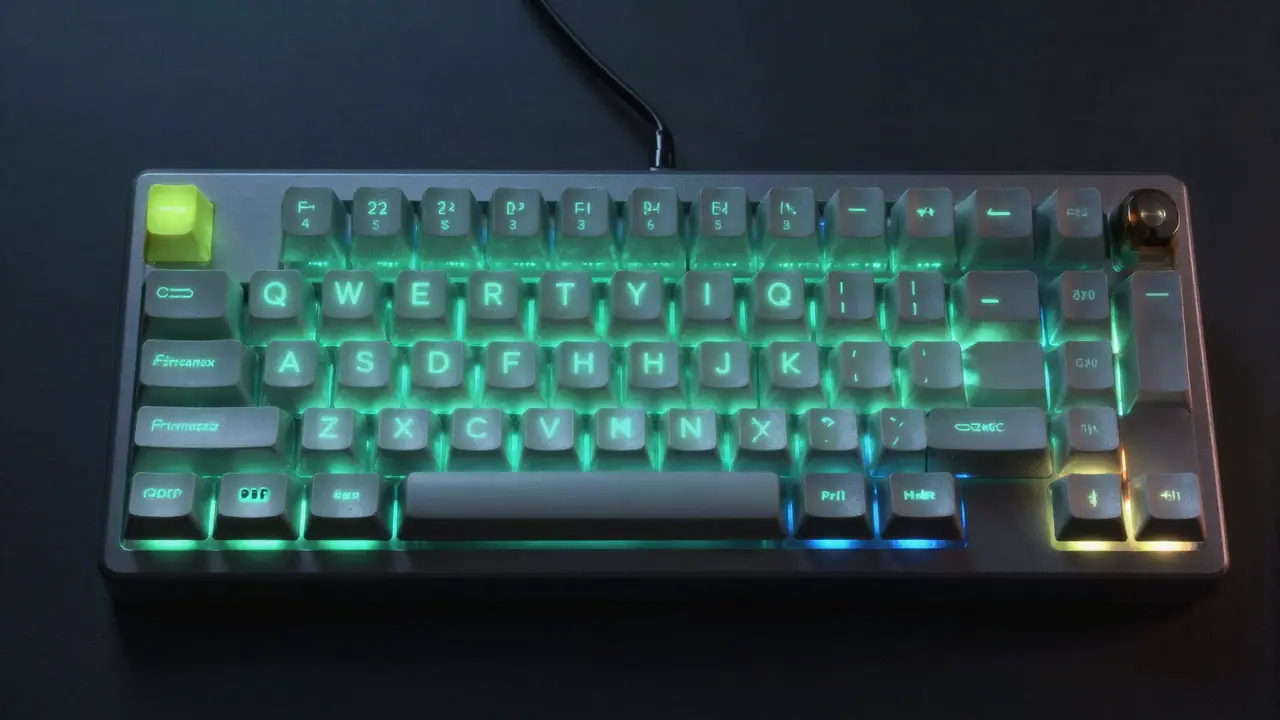
N-key rollover (NKRO) means a keyboard can detect every key you hold at the same time, however many there are. Many keyboards are 6KRO, which means six keys plus modifiers, and simple office keyboards can lose keys in some combinations after just two or three. You can measure your own keyboard in seconds with the keyboard tester.
How keyboards detect keys
Most keyboards do not wire each key to its own input. Instead, keys sit on a grid called a matrix: rows and columns of wires with a switch at each crossing. The keyboard’s controller scans the grid many times per second to see which crossings are closed.
The grid saves wiring, but it creates a problem. When three keys that form three corners of a rectangle on the grid are pressed together, current can flow through them in a way that makes the fourth corner look pressed too. That phantom press is called ghosting.
Ghosting and key blocking
- Ghosting: the keyboard reports a key you did not press.
- Key blocking (jamming): to avoid ghosting, the keyboard refuses to report a key when the combination is ambiguous. You press it, nothing happens.
Cheap keyboards block keys rather than ghost, so you will more often notice a key that “does not work while I hold others” than one that types by itself.
The fix in better keyboards is a diode at each switch, which stops current flowing backwards through the matrix. With a diode on every key, every key can be read independently.
NKRO, 6KRO and 2KRO compared
| Rollover | What it means | Typical keyboards |
|---|---|---|
| 2KRO / 3KRO | Two or three keys guaranteed; more may block in some combinations. | Basic office and many laptop keyboards. |
| 6KRO | Six normal keys plus all modifiers at once. | Many gaming and mechanical keyboards; the limit of the standard USB “boot” report. |
| NKRO | Every key, no limit. | Many mechanical and gaming keyboards, often as an option. |
Why six?
The standard USB keyboard report used by BIOS screens and simple drivers has room for six normal keys plus a byte for the eight modifier keys. That is where 6KRO comes from. Keyboards that offer NKRO send a different, larger report, which is why some ship in 6KRO mode for compatibility and let you switch.
How to test rollover on your keyboard
- Open the keyboard tester and click the keyboard.
- Hold one key, then add a second, a third and so on, without releasing.
- Watch the Most keys at once readout.
- Try combinations you use: W + A + Shift + Space for games, or Ctrl + Shift + a letter for shortcuts.
- If a key does not light while others are held, your keyboard is blocking that combination.
Rollover often depends on which keys you combine, so a keyboard may handle six keys in one corner and only three in another.
Does rollover matter?
For typing: fast typists rarely hold more than two or three keys at once, so even basic keyboards are fine. Blocking can show up as a dropped letter when you roll quickly between keys.
For gaming: most games need three or four keys at once (movement, sprint, jump, an ability). 6KRO covers that easily. Blocking is the real problem, for example a keyboard that cannot register W, A and Space together.
For music and stenography: pressing many keys at once is the whole point, so NKRO matters.
How to turn on NKRO
- Check the keyboard’s software for NKRO, full key rollover or a gaming mode setting.
- Many keyboards toggle NKRO with a combination such as Fn + N or Fn + Insert; check the manual.
- Some keyboards offer NKRO only over USB, not Bluetooth.
- If a keyboard does not work in the BIOS after enabling NKRO, switch back to 6KRO when you need the BIOS.
Related terms
- Debounce: the filter that stops one press counting twice. When it fails you get keyboard chattering.
- Polling rate: how often the keyboard reports to the computer, commonly 125 to 1000 times per second.
- Anti-ghosting: a marketing term that can mean anything from a few protected keys to full NKRO; test it yourself.
Try the keyboard tester now, then put your keyboard through a typing test. For dead keys rather than blocked ones, see laptop keys not working. All tests are on the home page.
Tools for this problem
- Keyboard Tester: Check every key, chatter and rollover.
- Typing Test: WPM, accuracy and a key error map.
Frequently asked questions
What does N-key rollover mean?
N-key rollover (NKRO) means a keyboard can register every key pressed at the same time, no matter how many or which ones. Each key is detected on its own.
What is the difference between NKRO and 6KRO?
6KRO registers six normal keys plus the modifier keys (Shift, Ctrl, Alt, Windows) at once. NKRO registers all of them. For typing and nearly all games, 6KRO is enough.
Do I need N-key rollover for gaming?
Rarely. Most games use a few keys at once. Rollover matters more when a cheap keyboard blocks common combinations such as W, A and Space with Shift.
How do I test key rollover?
Open the keyboard tester and hold keys down one by one. The Most keys at once readout shows the highest number your keyboard reported. Test the combinations you actually use.
Why does NKRO not work over USB on some keyboards?
Some keyboards default to a 6KRO mode for compatibility with BIOS screens and older systems. Their software or a key combination switches on full NKRO.