 Full Rig Check

Display Tests for Monitors, Laptops and Phones
A display can be faulty in ways you only see with the right pattern: a single dead pixel, backlight bleed in a dark room, banding in gradients, or a refresh rate stuck at 60 Hz on a 144 Hz monitor.
These full-screen tests make each problem visible. Check a new monitor during the return window with the dead pixel test and monitor test, confirm the refresh rate you paid for, and compare overdrive settings with the ghosting test.
6 free display tests
Dead Pixel Test
Full-screen colors to spot bad pixels.
Stuck Pixel Fixer
Flashing colors to unstick a pixel.
Monitor Test
Banding, bleed, gamma and sharpness.
Refresh Rate Test
Measure Hz and frame-time stability.
Ghosting Test
Moving targets reveal trails and halos.
FPS Test
Frames per second under rising load.
Which test do I need?
What are you seeing?
Pick the answer closest to your problem.
Fix guides
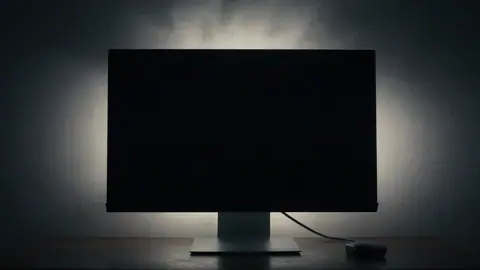
Backlight Bleed Explained (and How It Differs From IPS Glow)
What backlight bleed is, how it differs from IPS glow, how to test for it properly, what amount is normal, and how to reduce bleed on an LCD monitor.
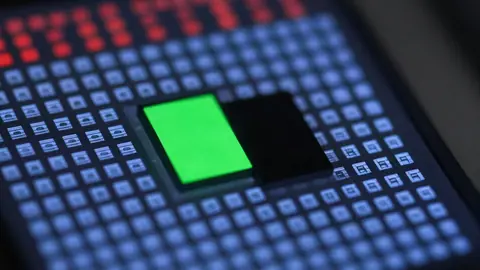
Dead Pixel vs Stuck Pixel - What Is the Difference?
Dead pixel or stuck pixel? Learn how to tell them apart with a full-screen color test, what can be fixed, and when to use your warranty or return window.

How to Check a New Monitor Before the Return Window Closes
Check a new monitor before the return window closes. A 10-step checklist for dead pixels, refresh rate, backlight bleed, banding, ghosting and ports.
Is My Monitor Really Running at 144 Hz? How to Check and Fix It
Check if your monitor is really running at 144 Hz or more. Test it online, then fix settings, cables, ports and GPU options that lock you to 60 Hz.