 Full Rig Check
Backlight Bleed Explained (and How It Differs From IPS Glow)
What backlight bleed is, how it differs from IPS glow, how to test for it properly, what amount is normal, and how to reduce bleed on an LCD monitor.
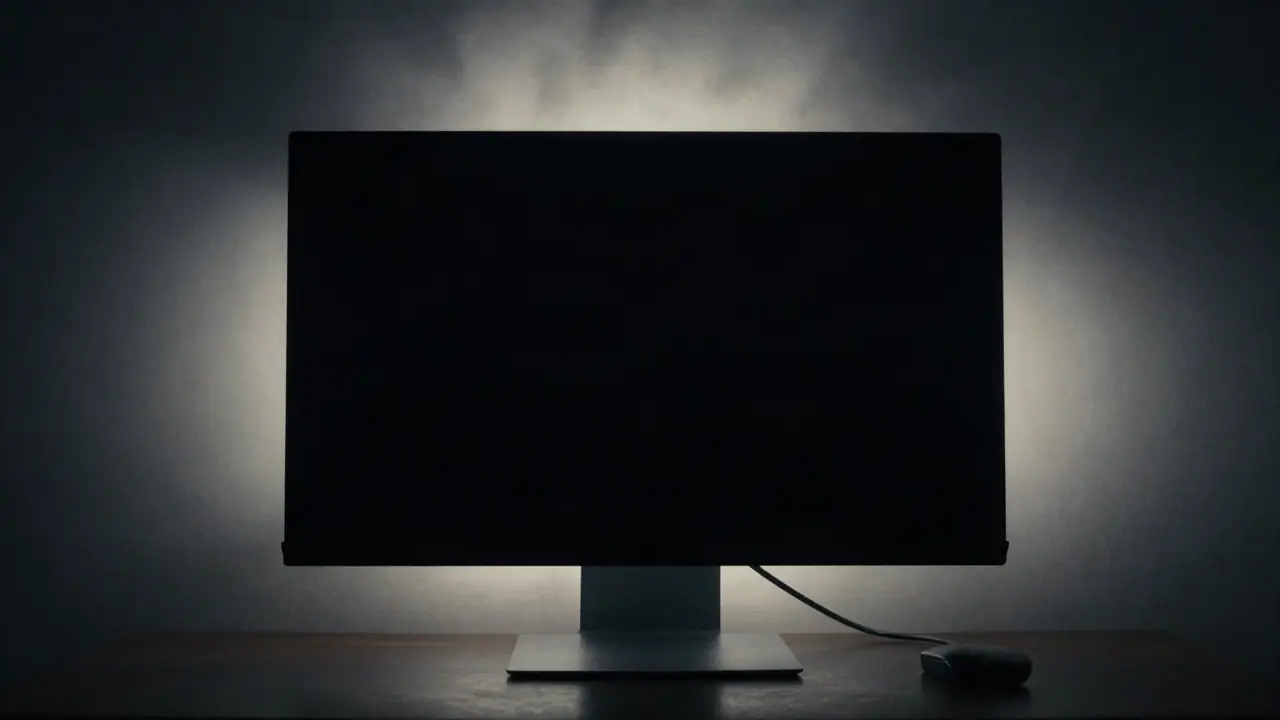
Backlight bleed is light from an LCD’s backlight leaking around the edges of the panel, so dark scenes show bright patches at the edges or corners. A little bleed is common, especially on IPS screens, and is usually visible only on black in a dark room. It is different from IPS glow, which shifts as you move your head.
Why LCDs bleed
An LCD screen does not make its own light. A backlight shines through a stack of layers, and the liquid crystals block or pass that light pixel by pixel. To show black, the crystals block as much as they can, but they are never perfect. Around the edges, the frame presses the layers together and light can sneak past. That uneven leak is bleed.
OLED screens light each pixel directly, so black pixels are simply off and there is no bleed.
Bleed, glow and clouding compared
| Effect | Looks like | Changes with viewing angle? | Normal? |
|---|---|---|---|
| Backlight bleed | Bright patches at edges or corners | No | A little is common |
| IPS glow | Soft glow in corners, often silvery or warm | Yes | Yes, for IPS panels |
| Clouding | Blotchy patches across the screen | No | Mild is common on VA and IPS |
| Uniformity issues | Darker or tinted regions on gray | No | Small variation is common |
How to test for backlight bleed fairly
- Warm up the monitor for 15 to 30 minutes.
- Set your normal brightness, not maximum.
- Dim the room, but not to complete darkness.
- Open the black pattern in the monitor test full screen.
- Sit at your normal distance and look straight at the center.
- Move your head left, right, up and down. Patches that move or fade are glow; patches that stay are bleed.
Avoid judging bleed from photos taken with long exposures; cameras exaggerate it badly.
How much bleed is too much?
There is no universal number. A good rule: if you notice it in the content you actually watch or play, it is too much. Bleed that shows only on a pure black screen in a dark room is common and many makers do not treat it as a defect. Bleed that shows during dark films or games at normal brightness is worth an exchange inside the return window.
Can you reduce backlight bleed?
- Lower the brightness. Bleed scales with backlight strength.
- Add some room light. A lamp behind the monitor (bias lighting) makes bleed much less visible.
- Let it settle. New panels sometimes improve slightly over the first weeks.
- Check the frame. On some monitors, a slightly twisted bezel or over-tight screw causes bleed in one corner; this is a job for the maker or a repair shop.
Pressing on the panel or loosening screws yourself can make it worse and may void the warranty.
Bleed on laptops
Laptop screens bleed too, often at the bottom edge near the hinge. The same tests apply. Because the panel is thin and flexes, bleed on laptops can change when you open the lid at different angles.
Testing a new screen? Follow how to check a new monitor, look for single faulty pixels with the dead pixel test, and learn dead pixel vs stuck pixel. All display tests are on the home page.
Tools for this problem
- Monitor Test: Banding, bleed, gamma and sharpness.
- Dead Pixel Test: Full-screen colors to spot bad pixels.
Frequently asked questions
What is backlight bleed?
Light from an LCD's backlight leaking around the edges of the panel, visible as bright patches at the edges or corners on dark screens.
Is backlight bleed normal?
Some bleed is common on LCD monitors and laptops and is usually only visible on a black screen in a dark room. Bleed that is clearly visible in normal content is a defect worth reporting.
What is the difference between backlight bleed and IPS glow?
Bleed stays in the same place when you move your head. IPS glow changes or fades as your viewing angle changes and is a normal property of IPS panels.
Can backlight bleed get better?
Slightly, as a new monitor settles. Lowering brightness and adding light to the room make it much less visible.
Do OLED screens have backlight bleed?
No. OLED pixels make their own light, so there is no backlight to leak. Bleed is an LCD issue.