 Full Rig Check

Input Device Tests: Keyboard, Mouse and Controllers
Input devices are the parts you touch: keyboards, mice and game controllers. They fail in quiet ways. A key that types twice, a mouse button that double clicks, or a thumbstick that drifts can look like your own mistake for weeks before you notice the pattern.
These tests read your devices the same way your games and apps do, straight from the browser, and point out the specific faults each device is known for. Start with the keyboard tester or the mouse test, and use the controller tester for gamepads. Each result links to a fix guide.
9 free input devices tests
Keyboard Tester
Check every key, chatter and rollover.
Controller Tester
Buttons, triggers, sticks, drift, rumble.
PS5 Controller Tester
DualSense buttons, triggers and drift.
Xbox Controller Tester
Xbox buttons, triggers, drift and rumble.
Mouse Test
Buttons, wheel and double-click faults.
Mouse Wheel Test
Log each notch, catch reverse jumps.
Double Click Test
Catch ghost double clicks in ms.
Mouse DPI Test
Measure the DPI your mouse really sends.
Mouse Polling Rate Test
Estimate your mouse report rate in Hz.
Which test do I need?
What is giving you trouble?
Pick the answer closest to your problem.
Fix guides
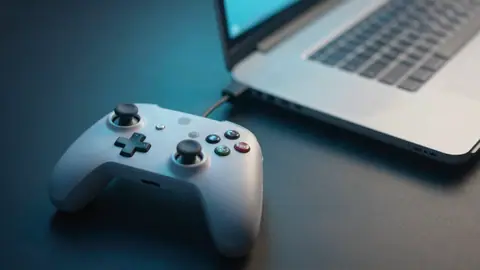
Controller Not Detected in Steam? How to Fix It
Steam not detecting your Xbox, PlayStation or generic controller? Test it in the browser, then fix Steam Input, drivers, cables, Bluetooth and game settings.
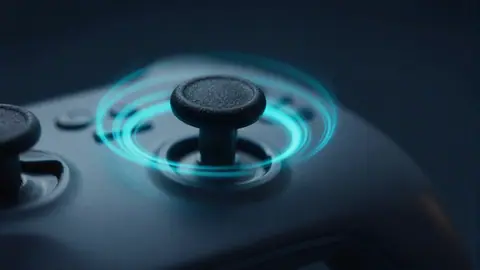
How to Fix Controller Stick Drift
Fix controller stick drift on PS5, Xbox and PC. Measure drift online, then try cleaning, recalibration, dead zones, firmware and stick replacement, in order.
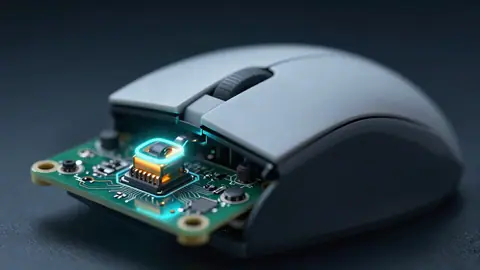
How to Fix a Mouse That Double Clicks on One Click
Mouse double clicking on a single click? Confirm it with a free double click test, then fix it with settings, cleaning, debounce or a new micro switch.
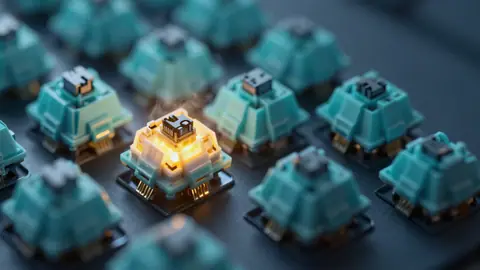
How to Fix Keyboard Chattering (Double Typing Keys)
Keyboard chattering makes one press type twice. Find the faulty key with a free tester, then fix it with cleaning, debounce settings or a new switch.

Laptop Keys Not Working? 12 Fixes in the Right Order
Some laptop keys not working? Test every key online, then work through 12 fixes, from Fn Lock and Filter Keys to drivers, BIOS checks and hardware faults.
Mouse Polling Rate Explained (125 Hz to 8000 Hz)
What mouse polling rate is, how 125, 500, 1000 and 8000 Hz differ in delay and CPU use, which rate to pick for gaming, and how to test yours online.
N-Key Rollover Explained (NKRO, 6KRO and Ghosting)
What N-key rollover is, how NKRO differs from 6KRO, what ghosting and key blocking mean, and how to test how many keys your keyboard handles at once.
What DPI Should I Use for Gaming?
What DPI is best for gaming? Learn what DPI, eDPI and cm/360 mean, why many players use 400 to 1600 DPI, and how to measure your real mouse DPI.
What Is a Controller Dead Zone and How Should You Set It?
A controller dead zone is the area around center a game ignores. Learn inner and outer dead zones, shapes, sensible values, and how to set yours.