 Full Rig Check
How to Fix a Mouse That Double Clicks on One Click
Mouse double clicking on a single click? Confirm it with a free double click test, then fix it with settings, cleaning, debounce or a new micro switch.
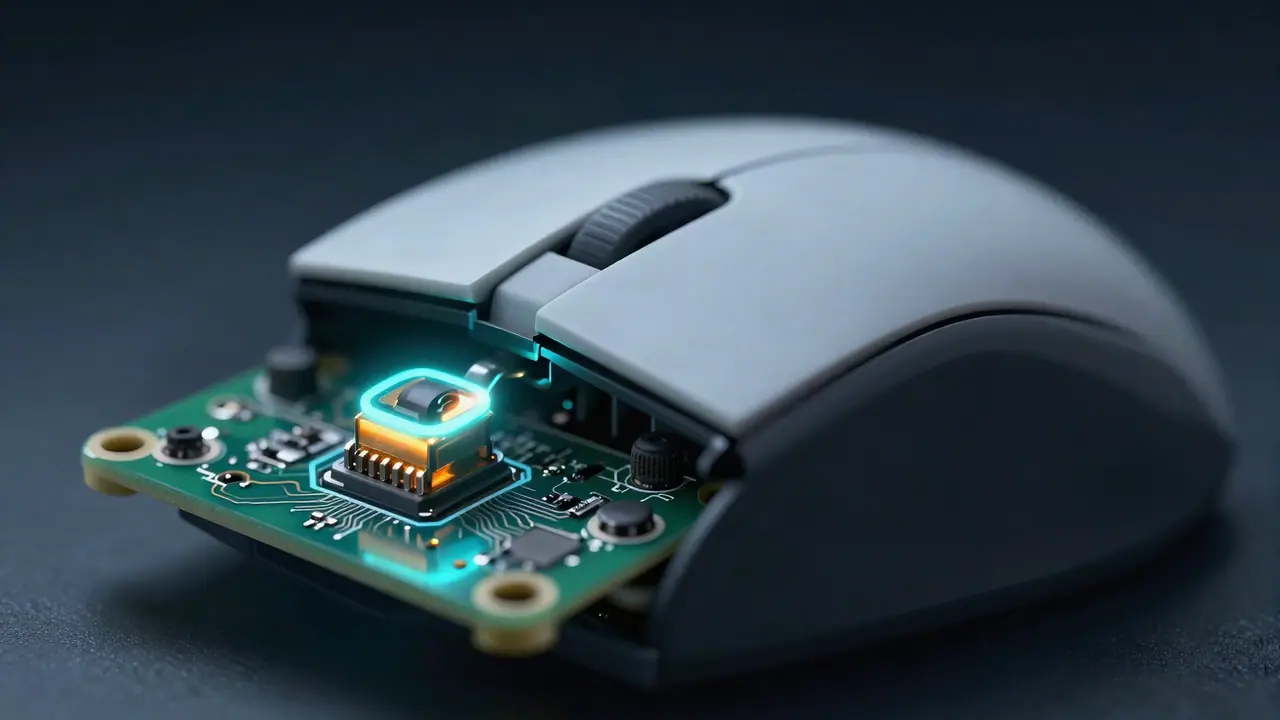
When a mouse double clicks on a single click, the micro switch under the button is almost always bouncing: its worn or dirty contact closes twice for one press. Confirm it with a double click test, check a few settings, clean the switch, raise debounce if your mouse allows it, and replace the switch if the fault keeps coming back.
Step 1: Confirm it is the mouse
Open the double click test. Click the left button about 30 times, one click at a time, at a steady pace. The test records every click and flags two clicks less than 80 ms apart, much faster than any deliberate double click.
- Faults appear: the mouse is sending extra clicks. Continue below.
- No faults, but items open on a single click: it is a setting. Go to step 2.
- Faults only in one game or app: check that program’s settings and any macros.
Test other buttons too; side buttons and the right button wear out as well.
Step 2: Rule out settings
Windows single-click mode. In File Explorer, open Options (View > Options on Windows 11 via the ”…” menu) and on the General tab make sure Double-click to open an item is selected.
Double-click speed. In Settings > Bluetooth & devices > Mouse > Additional mouse settings, the double-click speed slider changes how long Windows waits between clicks. It does not cause extra clicks, but a very slow setting can make two separate clicks count as a double click.
Mouse software. Turn off any “double click” button assignment, macro, or rapid-fire feature, then test again.
Step 3: Clean the switch
Dust and grime between the button and the switch cause bounce.
- Unplug the mouse or remove its battery.
- Blow compressed air into the gap around the faulty button from several angles.
- Plug it back in and click quickly 100 times. This can rub oxidation off the contact.
- Run the double click test again.
Step 4: Raise debounce
Many gaming mice let you set debounce time (also called click response or button response) in their software. A setting near 0 ms is fast but lets bounce through. Raise it by 2 to 4 ms and test again. Some mice also fix bounce in firmware updates, so update first.
Step 5: Replace the micro switch
If the fault comes back, the switch contact is worn. Options:
- Warranty: most makers replace mice with double click faults during the warranty period.
- Repair shop: replacing a micro switch is a small soldering job.
- DIY: if you can solder, buy the same switch model and swap it. Open the mouse carefully; screws are often under the feet.
Some newer mice use optical switches, which detect the button with light instead of a metal contact and cannot bounce the same way. Consider one if double clicking keeps recurring.
Why mice start double clicking
| Cause | How it happens |
|---|---|
| Worn contact | Thousands of clicks wear the contact surface so it bounces. |
| Oxidation | Metal contacts tarnish, especially in damp places, and stop closing cleanly. |
| Dirt | Dust or crumbs hold the button partly down. |
| Low debounce | The firmware filter is too short for this switch. |
| Heavy clicking styles | Jitter and butterfly clicking stress the switch more than normal use. See jitter vs butterfly clicking. |
Quick checklist
- Test with the double click test.
- Check single-click and software settings.
- Clean and work the switch.
- Raise debounce, update firmware.
- Replace the switch or use the warranty.
When it is fixed, test every button with the mouse test and try a round of the CPS test. For other mouse settings, read what DPI to use for gaming and mouse polling rate explained. Every test is on the home page.
Tools for this problem
- Double Click Test: Catch ghost double clicks in ms.
- Mouse Test: Buttons, wheel and double-click faults.
- CPS Test: Clicks per second, 1 to 60 second modes.
Frequently asked questions
Why does my mouse double click when I click once?
The micro switch under the button is bouncing, usually because its metal contact is worn, oxidized or dirty. Less often a Windows setting, a low debounce setting or a software macro is to blame.
How can I test if my mouse is double clicking?
Open the double click test and click normally about 30 times. Any fault under 80 ms means the mouse sent two clicks for one press.
Can a double clicking mouse be repaired?
Yes. Cleaning and raising debounce often help for a while. The lasting repair is replacing the micro switch, which a repair shop can do, or a warranty replacement.
Is mouse double clicking a warranty issue?
Yes. It is a known wear fault in micro switches. Save your double click test results as evidence.
Why does it happen more on older mice?
Switches are rated for a number of clicks and their contacts wear and oxidize over time, so bounce gets worse with age and heavy use.