 Full Rig Check
Jitter Clicking vs Butterfly Clicking (and How to Stay Safe)
Jitter clicking vs butterfly clicking explained, how each technique works, typical speeds, risks to your mouse and hands, and safer ways to practice.
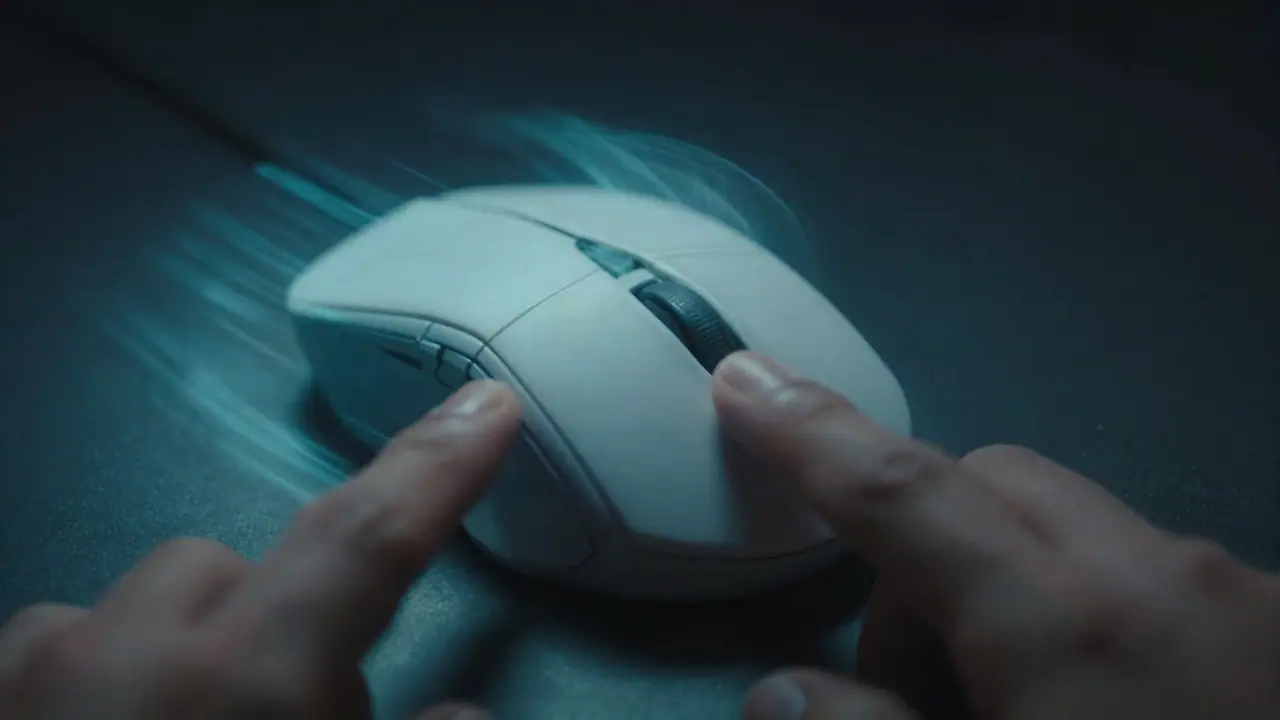
Jitter clicking tenses your forearm so one finger vibrates rapidly on the mouse button. Butterfly clicking alternates two fingers on the same button. Butterfly is usually faster, often 10 to 16 or more clicks per second, but it wears mouse switches quickly. Jitter is easier to learn but tiring. Both carry a risk of strain if you overdo them.
Jitter clicking
How it works: you tense the muscles in your forearm and wrist until your hand vibrates, then rest your finger on the button so each vibration presses it.
Typical speed: around 8 to 12 CPS for practiced players.
Pros: works on almost any mouse; keeps one finger on the button so aim stays steadier than butterfly clicking.
Cons: tiring after a few seconds; tension can affect aim; high strain on the forearm.
Butterfly clicking
How it works: index and middle fingers both rest on the left button. You tap them one after the other, like a fast drum roll.
Typical speed: around 10 to 16 CPS or more, because each finger only needs half the rate.
Pros: fastest common technique; less arm tension than jitter.
Cons: some mice do not register the alternating taps cleanly; harder to aim; wears the switch quickly and can cause double click faults.
Side by side
| Jitter | Butterfly | |
|---|---|---|
| Fingers | One | Two |
| Typical CPS | 8 to 12 | 10 to 16+ |
| Learning curve | Moderate | Moderate to hard |
| Aim while clicking | Better | Harder |
| Wear on mouse | High | Very high |
| Strain | Forearm and wrist | Fingers and wrist |
These ranges are common observations, not measured averages.
Protect your hands
Fast clicking is repetitive strain. Health sources describe repetitive strain injuries as caused by repeating the same movement over long periods, with symptoms such as pain, tingling and weakness. Practical rules:
- Short bursts: practice in sets of 10 seconds with rests between.
- Warm up your hands and wrists before long sessions.
- Stop at the first sign of pain, tingling or numbness, and rest for days if needed.
- Mix techniques so the same muscles do not do all the work.
- See a doctor if pain lasts more than a few days.
Protect your mouse
Both techniques shorten switch life. If clicks start doubling or a click does not register, test with the double click test and read how to fix mouse double clicking. Mice with optical switches resist bounce better.
Which should you learn?
- Want a quick boost on any mouse: jitter, in short bursts.
- Want maximum speed and your mouse handles it: butterfly.
- Care most about aim: stay with normal clicking and train with the aim trainer.
Measure your progress in the CPS test and see what is a good CPS for context. Every skill game is on the home page.
Tools for this problem
- CPS Test: Clicks per second, 1 to 60 second modes.
- Double Click Test: Catch ghost double clicks in ms.
Frequently asked questions
Is butterfly clicking faster than jitter clicking?
For most people yes, because two fingers alternate on one button. It depends on the mouse, though, and some mice register butterfly clicks poorly.
Is jitter clicking bad for you?
Tensing the forearm for long periods can strain muscles and tendons. Keep sessions short, rest often, and stop if you feel pain, tingling or numbness.
Does butterfly clicking break your mouse?
It wears the main switch faster and is a common cause of double click faults. Check your mouse with the double click test if clicks start doubling.
Is butterfly clicking allowed in games?
It depends on the game and server. Some competitive servers limit clicks per second or ban certain mice. Check the rules where you play.
How do I start butterfly clicking?
Place your index and middle fingers on the left button and tap them alternately, keeping them close to the button. Start slowly and focus on rhythm before speed.