 Full Rig Check
One Side of My Headphones Is Not Working. How Do I Fix It?
Only one side of your headphones working? Run a left right test, then check balance, mono audio, the plug, Bluetooth pairing and the cable to fix it fast.
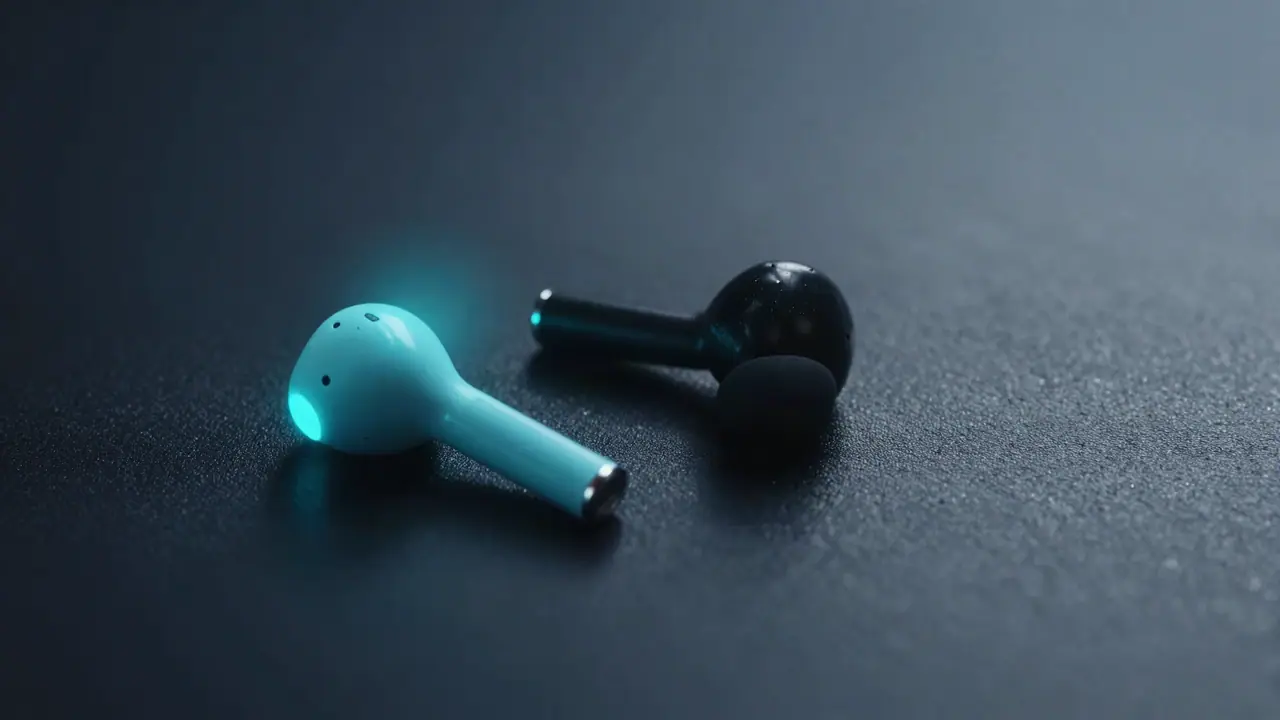
When one headphone side is not working, start with the simple causes: a plug that is not pushed in all the way, the sound balance set to one side, or mono audio turned on. Then check the cable and, for wireless earbuds, the pairing. Run a left right sound test after each step so you know the moment it is fixed.
Step 1: Confirm which side fails
Open the left right sound test, lower your volume, put the headphones on and press Left and Right.
- One message missing: that side has a problem. Continue below.
- Both messages in both ears: mono audio is on (step 3).
- Messages swapped: you are wearing them backwards, or channels are reversed in software.
Step 2: Push the plug in fully
A 3.5 mm plug that is not fully inserted often plays only one channel. Push it in firmly until it clicks. Phone cases can stop a plug from going all the way in; remove the case and test again. Clean lint out of the jack with a soft brush or a burst of air.
Step 3: Turn off mono audio
Mono audio sends the same sound to both ears. It does not cause silence on one side, but it hides channel problems and makes left-right tests sound centered.
- Windows 11: Settings > Accessibility > Audio > Mono audio off.
- macOS: System Settings > Accessibility > Audio > Play stereo audio as mono off.
- iPhone: Settings > Accessibility > Audio & Visual > Mono Audio off.
- Android: Settings > Accessibility > Audio adjustment (names vary).
Step 4: Center the balance
The balance can be set fully to one side by accident.
- Windows 11: Settings > System > Sound > your output device > Left channel and Right channel sliders; set both equal.
- macOS: System Settings > Sound > Output > Balance slider in the middle.
- iPhone: Settings > Accessibility > Audio & Visual > Balance centered.
Step 5: Reconnect wireless earbuds
- Put both earbuds in the case and close the lid for 30 seconds.
- Open the case and reconnect.
- If one bud stays silent, forget the device in Bluetooth settings, reset the earbuds following the maker’s steps, and pair again.
- Check that both buds are charged.
Step 6: Find a broken wire
Play the stereo sweep in the headphone test. Gently bend the cable near the plug, then where it enters each ear cup. Crackling or the sound cutting in and out shows the break. Detachable cables can simply be replaced; otherwise a repair shop can replace the plug.
Step 7: Clean the speaker mesh
Earwax and dust can block one side, especially on earbuds. Gently brush the mesh with a dry, soft brush. Do not use liquids or push anything through the mesh.
Step 8: Swap devices to find the culprit
| Test | Result | Meaning |
|---|---|---|
| These headphones on another device | Still one side | The headphones are faulty. |
| These headphones on another device | Both sides work | Your computer, its jack or its settings. |
| Other headphones on your computer | One side | The computer’s jack or driver. |
Step 9: Update the audio driver or use a different output
On Windows, update the audio driver from your PC maker’s site, or try a USB headset adapter to bypass a worn headphone jack. A damaged jack often loses one channel first.
Quick reference
| Symptom | Likely cause | Fix |
|---|---|---|
| One side silent, wired | Plug, cable break | Steps 2 and 6 |
| One earbud silent | Pairing or battery | Step 5 |
| Both sides same, no stereo | Mono audio | Step 3 |
| One side quieter | Balance, dirty mesh | Steps 4 and 7 |
| Fails only on one computer | Jack or driver | Step 9 |
Once both sides work, check range and bass with the headphone test. If your headset mic misbehaves too, see mic not working on Discord. Every audio test is on the home page.
Tools for this problem
- Left Right Sound Test: Is left really left? Check in seconds.
- Headphone Test: Balance, bass, treble and phase.
Frequently asked questions
Why is only one side of my headphones working?
The most common causes are a plug that is not fully inserted, the balance set to one side, mono audio turned on, a damaged cable near the plug, or one Bluetooth earbud not connected. Less often, a driver inside one ear cup has failed.
How do I test my headphones left and right?
Open the left right sound test, put on your headphones, and press Left and Right. Each message should play in one ear only.
How do I fix one AirPod or earbud not working?
Put both earbuds in the case, close the lid for 30 seconds, then reconnect. If that fails, forget the device in Bluetooth settings and pair again. Clean the speaker mesh gently with a dry soft brush.
Can a broken headphone cable be fixed?
Often, if the break is near the plug. A repair shop can replace the plug, or you can replace a detachable cable. Wiggle the cable during the test to find the break.
Is it my computer or my headphones?
Try the headphones on another device and another pair of headphones on your computer. Whichever setup still fails points to the faulty part.